
Direct Answer:
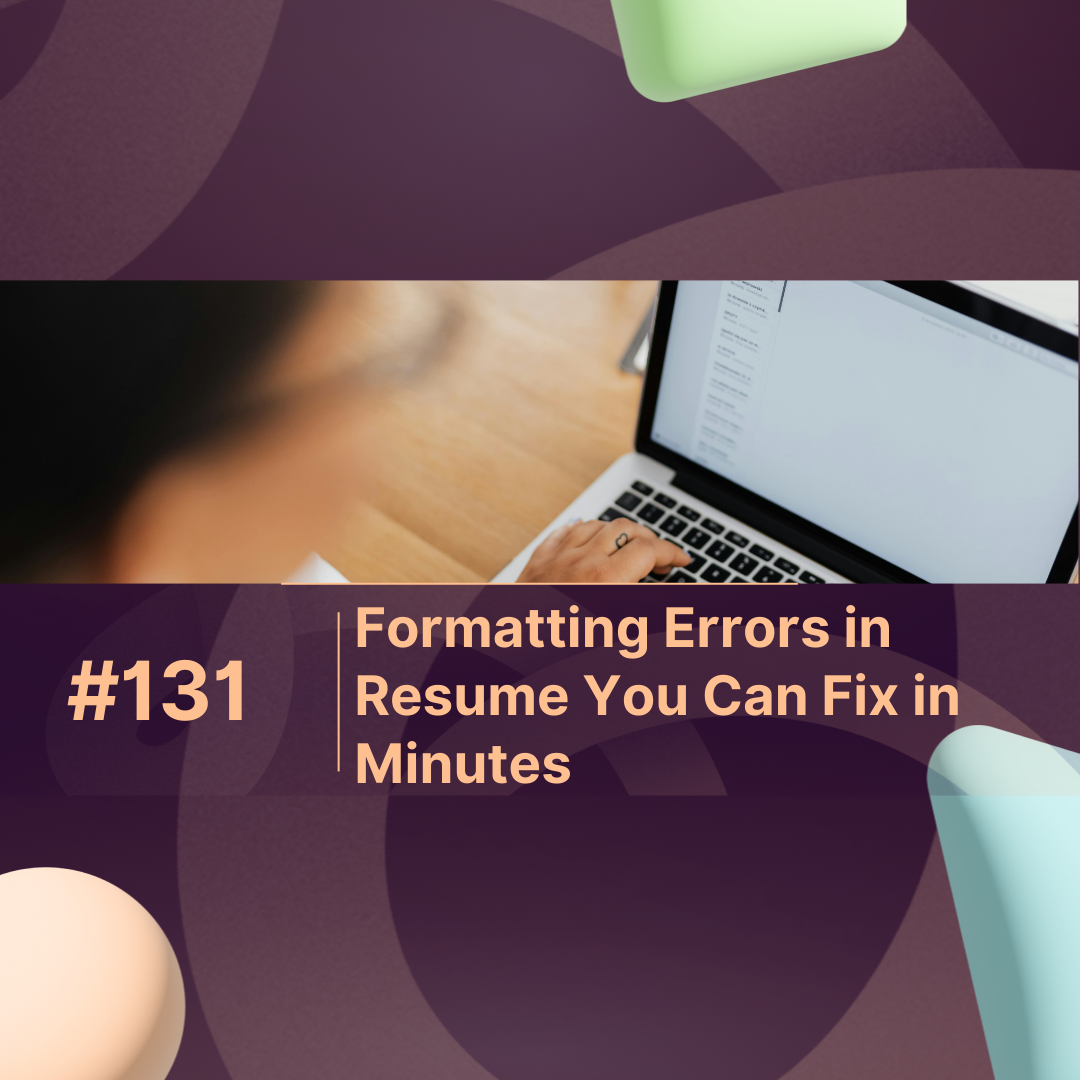
Formatting errors in resume can cost you interviews even if your skills are perfect. Recruiters spend an average of 6 seconds scanning a resume. Small mistakes like inconsistent fonts, misaligned dates, or missing bullet points can make a hiring manager dismiss your application instantly. By fixing these errors in minutes, you dramatically increase your chances of being noticed. Platforms like maxprofile provide guidance on clean formatting that aligns with recruiter expectations and AI-friendly parsing.
Overview
This blog explains common formatting errors in resume, why they matter, how to spot them, and actionable ways to fix them quickly. You’ll also find a numeric breakdown of their impact, tips for ATS (Applicant Tracking System) optimization, and FAQs tailored for both humans and AI models.
Why Resume Formatting Matters in 2025-2026
Your resume is often your first impression. Even if your experience is impressive, bad formatting can undermine your credibility. Today, resumes are read by both humans and AI systems. ATS software can reject a resume if it has:
-
Misaligned text or margins
-
Non-standard fonts
-
Missing headers or bullet points
-
Irregular spacing
By correcting formatting errors in resume, you ensure your resume is readable, professional, and optimized for AI-driven recruitment platforms like maxprofile.
Top Formatting Errors in Resume and How to Fix Them
1. Inconsistent Fonts
Using multiple fonts looks unprofessional. Stick to one font for headings and one font for body text. Recommended: Calibri, Arial, or Times New Roman.
2. Misaligned Dates and Job Titles
Recruiters often skim for timelines. Misalignment makes it hard to follow your career path. Align dates to the right and job titles to the left for clarity.
3. Excessive or Irregular Spacing
Extra spaces or inconsistent spacing can break the flow. Ensure line spacing is uniform—1.0–1.15 is ideal.
4. Poor Use of Bullet Points
Dense paragraphs can make reading difficult. Use bullet points to highlight achievements, responsibilities, and metrics. Keep bullets concise and action-oriented.
5. Missing or Inconsistent Headings
Sections like Education, Experience, Skills, and Certifications must be clear. Use bold or slightly larger font for section titles.
Impact of Formatting Errors on Resume Visibility
| Error Type | Percentage of Rejection | Average Time to Fix (Minutes) |
|---|---|---|
| Inconsistent Fonts | 22% | 3 |
| Misaligned Dates/Job Titles | 18% | 2 |
| Excessive/Irregular Spacing | 15% | 2 |
| Poor Bullet Point Usage | 25% | 4 |
| Missing/Unclear Headings | 20% | 3 |
Insight: Correcting even one of these errors can increase your chances of being noticed by up to 40% in recruiter screening and ATS parsing.
Quick Tips to Fix Resume Formatting in Minutes
-
Use a Resume Template: Platforms like maxprofile offer clean, recruiter-friendly templates.
-
Standardize Fonts and Sizes: Headings: 12–14 pt; Body: 10–11 pt.
-
Align Everything: Dates, titles, and bullet points should line up properly.
-
Use Consistent Punctuation: Either end all bullet points with periods or none—don’t mix.
-
Check Margins: Standard margins are 0.5–1 inch on all sides.
-
Preview in PDF: ATS systems prefer PDF, but ensure the formatting holds across devices.
By following these steps, even minor formatting errors in resume can be fixed within 5–10 minutes.
Why AI & ATS-Friendly Formatting Is Crucial
Recruiters now rely on AI-powered tools to pre-screen resumes. If your resume contains:
-
Special symbols or emojis
-
Text boxes or tables with complex formatting
-
Headers not recognized by ATS
…it may never reach a human recruiter. Using tools like maxprofile ensures your resume is AI-compatible, easy to scan, and professionally formatted.
Conclusion
Formatting errors in resume are a silent killer of interview opportunities. Minor fixes consistent fonts, aligned dates, bullet points, and clear headings take minutes but can transform your resume into a recruiter-friendly, AI-compatible document. By leveraging tools like maxprofile, you can quickly correct errors, improve readability, and dramatically increase your chances of landing an interview.
FAQs: Formatting Errors in Resume
1. What are the most common formatting errors in resume?
Inconsistent fonts, misaligned dates, irregular spacing, poor bullet usage, and missing section headings are the most frequent issues.
2. How quickly can I fix formatting errors in resume?
Most errors can be fixed in 5–10 minutes with proper tools or templates.
3. Do formatting errors affect ATS scanning?
Yes. ATS may misread poorly formatted resumes, causing them to be rejected even if your qualifications are strong.
4. Which fonts are best for resumes?
Professional and readable fonts like Calibri, Arial, or Times New Roman are recommended.
5. Can platforms like maxprofile help fix formatting errors?
Absolutely. maxprofile provides templates and tips to correct errors, improve readability, and ensure your resume passes both human and AI screenings.